

24/08/2026
-
Products
-
V Series
-
-
-
-
Explore
- About Us
- Where to Buy
- Support
Products
V Series
Explore
Multi-zone mowing works when maps mirror the property: linked lawns use safe pathways, while fully separated patches may need their own maps and manual transfers. Zone memory, charging, cutting range, and obstacle handling matter as much as raw area. Match S4- or S5-class strengths to shade versus slope before chasing a higher zone count alone.
Many yards are split by paths, gates, beds, driveways, or narrow side passages, so one mowing schedule rarely describes the whole property. A robot lawn mower multi zone setup has to know where each working area begins, how to travel between connected sections, and what to do when two lawns have no safe route between them. This guide focuses on zone capacity, pathways, no-go editing, runtime, obstacle handling, and mower choices for shaded, hilly, or disconnected layouts.
Multi-zone mowing succeeds when the mower can treat separate working areas as one manageable property. Feature selection should start with how reliably that overall workflow can be repeated.
For a split yard, capacity means both how many zones can be stored and how easily the mower can move between them. Count working areas, connecting passages, and restricted regions separately. A property with four lawns and six no-go beds may be more complex than a larger single open lawn. The app should make zone boundaries and task assignments easy to review. If the system supports dozens of zones, that provides headroom, but the real test is whether each zone can be mapped cleanly and connected with a route the mower can traverse without manual rescue.
Virtual pathways tell the mower how to travel between working areas without treating the corridor as a mowing zone. They should be wide enough for the machine plus practical clearance and should avoid stairs, abrupt curbs, loose gravel, and narrow pinch points. During setup, walk the route and look at it from mower height; low branches or protruding edging are easy to miss. If the passage crosses paving, keep the transition flat. A clearly defined path reduces repeated searching and helps the mower spend more of its battery on cutting rather than transfer travel.
No-go zones are useful for ponds, flower beds, play equipment, temporary projects, and places where the mower should never enter. The key feature is easy editing after the first map is created. Gardens change during a season, so moving a virtual boundary should not require rebuilding the whole lawn map. Give hazardous areas a conservative buffer rather than drawing the line directly on the physical edge. For temporary obstacles such as a paddling pool, an editable exclusion area is more convenient than remapping the main boundary.
Runtime matters, but total daily productivity also depends on charging time, travel distance between zones, mowing speed, and how efficiently the path is planned. A mower that returns to charge and automatically resumes can handle a lawn larger than one battery cycle if the schedule provides enough time. Compare coverage rating with the hours available for mowing, especially if local noise rules or family use limit operation. In spring, when grass grows quickly, allow extra schedule capacity instead of assuming summer runtime patterns will always be sufficient.
Cutting-height range should match the grass type and the way the lawn is used. A wider adjustment range gives room to keep turf longer during heat or shade and gradually lower it when growth is strong. Avoid removing more than roughly one-third of the leaf blade in a single cut; if grass is overgrown, reach the target height over several sessions. App-controlled height is convenient, while manual adjustment is acceptable when the yard does not need frequent changes. Check the mower’s actual range against the height you normally maintain rather than choosing on range alone.
Complex multi-zone yards usually contain more obstacles than open lawns: furniture, trees, toys, narrow borders, and people moving between areas. Obstacle avoidance should detect objects early enough to route around them without creating large uncut patches. Cameras can classify visual objects, while LiDAR or depth sensors provide geometry; some mowers combine more than one sensing method. Even strong perception is not a substitute for safe yard preparation. Keep cords, hoses, low wire, and small loose items out of the mowing area because they can be difficult for any outdoor robot to interpret consistently.
Different multi-zone yards can stress the same mower in very different ways. Matching the model to the dominant yard condition is more useful than choosing on capacity alone.
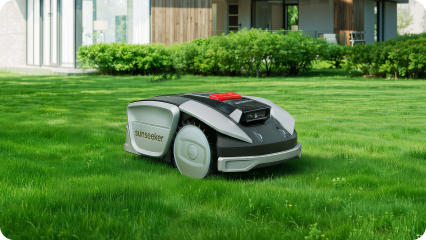
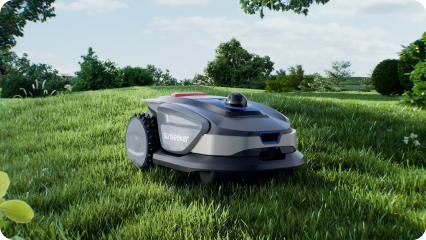
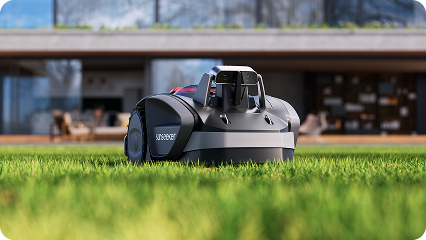
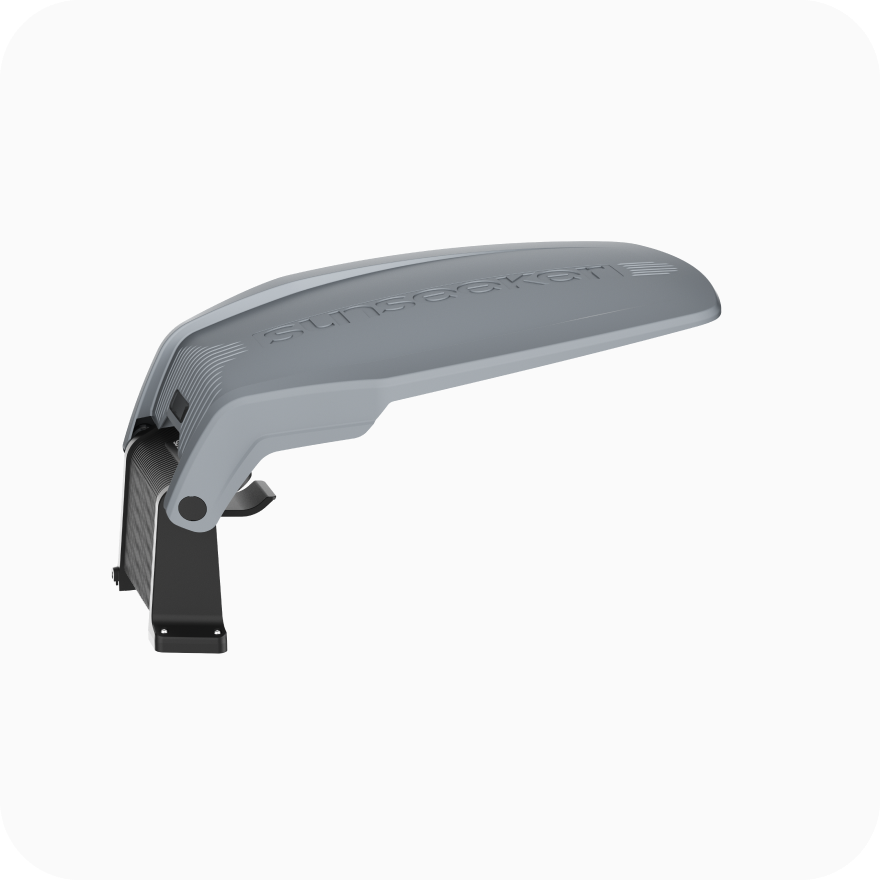
For multiple small zones and heavy shade, Sunseeker S4 is designed around 360° 3D LiDAR plus AI Vision, giving the mower a local geometric reference where satellite visibility can be inconsistent. Global specifications list up to 1000 m² coverage, 100 multi-zones, an 18 cm cutting width, a 20-60 mm cutting-height range, and slopes up to 42% / 22°. Automatic mapping and virtual boundaries suit compact sections that need frequent path and zone edits. Before the first map, walk the connectors between zones and keep branches, edging, and temporary objects from narrowing the route the mower is expected to use.
For connected zones with meaningful slopes, Sunseeker S5 combines RTK + VSLAM navigation with all-wheel drive. Global specifications list up to 1600 m² coverage, 80 zones, a 20 cm cutting width, a 20-60 mm cutting-height range, and slopes up to 60% / 30°. That combination is useful where the mower must keep moving between working areas while terrain and satellite conditions change. Measure the steepest transfer route and passage widths before choosing. On hilly properties, test transfer paths when the turf is damp as well as dry, since traction and turning behavior can change before the nominal slope limit is reached.
One mower can serve more than one lawn, but disconnected areas change how maps, charging, and transfers have to be managed. The key distinction is whether the mower can travel safely between them.
Yes, one robot can manage disconnected lawns if the mower supports multiple maps or a workflow for separate work areas, but the transfer between those lawns may still require manual carrying when no safe corridor exists. If two areas are connected by a flat passage, a virtual pathway is usually easier because the mower can move autonomously. For fully separated lawns, check map memory, dock requirements, and how the app selects the active map. The Sunseeker robot lawn mower range includes models with multi-zone and mapping features, but the exact workflow should be matched to the property before purchase.
For additional mapping and multi-zone choices, review the robot lawn mower range and check each model’s map and transfer workflow.
Multi-zone mowing works best when the map structure reflects the real property: connected lawns can use planned pathways, while fully separated areas may need independent maps and manual transfers. Zone capacity, runtime, cutting range, no-go editing, and obstacle handling all affect how smoothly the schedule runs. Sunseeker offers LiDAR- and RTK/vSLAM-based options for different layouts, so the practical choice is to match navigation and traction to the most difficult connection between zones.
Yes, if the mower supports multiple zones, separate maps, or both. Connected lawns can often be linked with a virtual passage so the mower transfers automatically. Fully disconnected lawns may require carrying the mower between maps. Check map memory, charging-station rules, and the transfer workflow before assuming two separate lawns can run unattended.
That depends on the mower and app. Some systems allow zone-specific task settings, while others apply one cutting height globally. Even when height can be changed per task, avoid abrupt reductions; lowering tall grass over several sessions is easier on the turf and mower. Check the model’s current app functions before planning different heights.
A well-designed mower should slow, stop, use another navigation source, or attempt to relocalize rather than continue without confidence. What happens depends on the navigation architecture and product software. Keep transfer paths clear and map them carefully. If one passage repeatedly causes loss of position, adjust the path or improve the surrounding conditions.